Script Hook V
Alexander Blade's core library required to run most scripted mods in Story Mode.
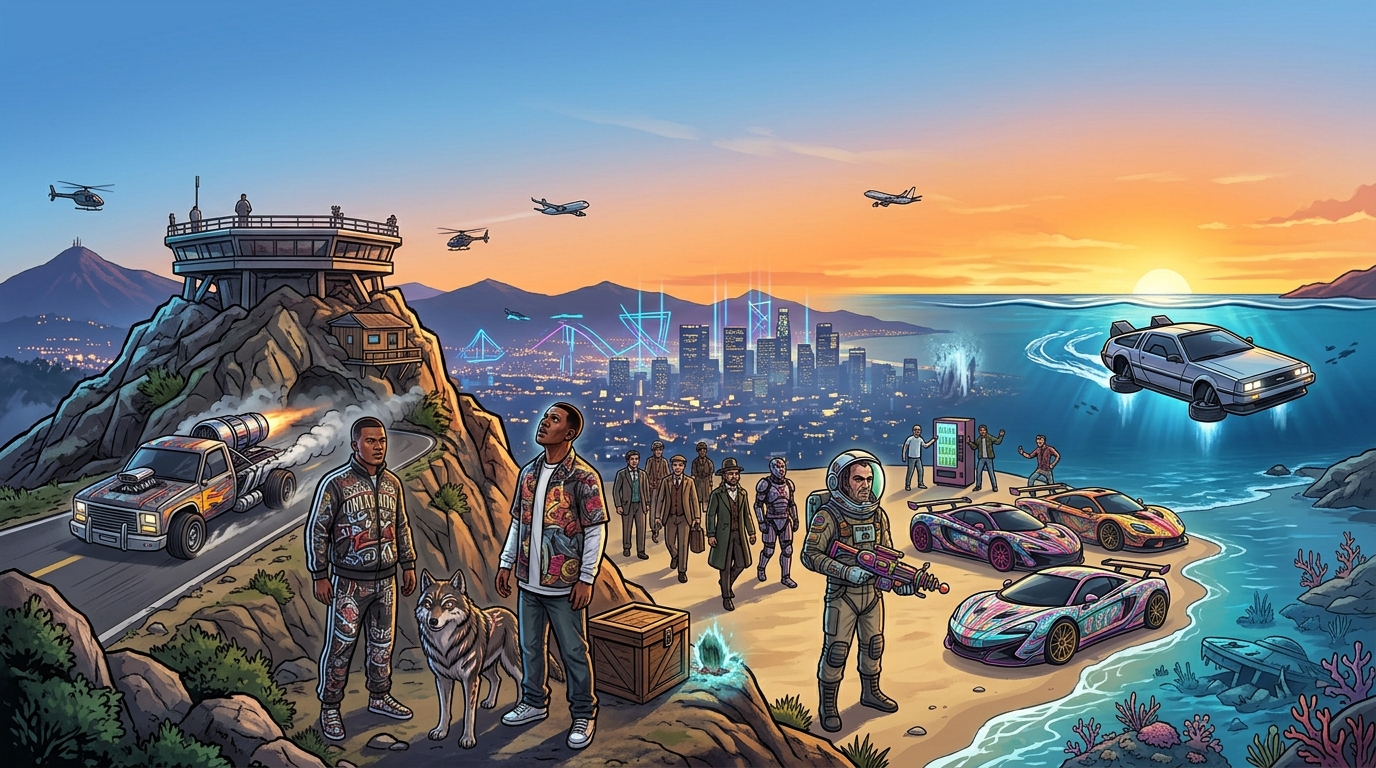
Modding is only possible on PC, and only in single-player. With the right mods you can overhaul the graphics completely, add thousands of real-world cars, turn the game into a police simulator, or jump into full roleplay servers on FiveM.
Never run mods in GTA Online
Most mods simply won't run without these programs installed first.
Alexander Blade's core library required to run most scripted mods in Story Mode.
RPF archive editor for installing textures, vehicles, and graphics packs.
The largest mod catalog: graphics, vehicles, weapons, scripts, and maps.
A multiplayer platform hosting roleplay servers with custom rule sets.
An alternative multiplayer client with large community-run RP projects.
A runtime for .NET scripts: menus, trainers, and custom missions.
Packages like NaturalVision completely rework lighting, weather, reflections, and color grading. The game starts to look like a modern release, but demands a powerful graphics card.
Requires: ScriptHookV, OpenIV, an RTX 3060-class GPU or better for a comfortable 60 FPS
A lightweight alternative to heavy overhauls: post-processing, contrast, and volumetric lighting. Installs in a couple of minutes with almost no performance hit.
Requires: Just extract the files into the game's root folder
Thousands of real-world car models with detailed interiors and physics. Installed either as replacements or as add-on vehicles.
Requires: OpenIV; add-on vehicles require editing dlclist.xml
Full control over Story Mode: spawn vehicles, change weather and time, teleport, and use a scene editor for screenshots and machinima.
Requires: ScriptHookV + ScriptHookV .NET
Turns the game into a patrol-duty simulator: calls, arrests, ID checks, radio chatter, and partner NPCs.
Requires: RAGE Plugin Hook, a clean game install without other heavy mods
A separate client for playing on custom servers: RP projects, racing, survival. Requires a legitimate copy of the game.
Requires: A legitimate copy of GTA V, the standalone FiveM client
The second most popular multiplayer client, home to large community RP projects with stable synchronization.
Requires: A legitimate copy of GTA V, the RAGE MP client
A must-have utility for any mod that touches game files. Creates a mods folder so the original archives stay untouched.
Requires: Administrator rights, free space for a backup copy
Replaces roads, buildings, grass, and trees with high-resolution textures. Pairs well with ReShade and noticeably refreshes the visuals without touching the lighting engine.
Requires: OpenIV, 8 GB of VRAM for the 4K versions
A free, comprehensive mod: new weather cycles, realistic skies, volumetric clouds, fog, and improved city lighting at night. Widely considered the best-balanced alternative to heavier overhauls.
Requires: OpenIV, a mods folder, a mid-range PC
Tweaks to handling.meta make cars heavier, add momentum and drift, and create a noticeable difference between drivetrains. Works great alongside real-car packs.
Requires: OpenIV, editing handling.meta inside the mods folder
Add-on air and water vehicles: civilian aircraft, military planes, rescue helicopters, and yachts with detailed cabins.
Requires: OpenIV, dlclist.xml, ScriptHookV for spawning
Damage becomes harsher, the police get smarter, health kits are limited, and hunger and fatigue systems kick in. The game turns into a tense survival simulator set in Los Santos.
Requires: ScriptHookV .NET, .NET Framework 4.8
Lets you build custom locations, race tracks, and props right inside the game, then save and share the files with other players.
Requires: ScriptHookV .NET, NativeUI
A modern, high-performance multiplayer client with a large number of community RP servers. Supports custom scripts and resources.
Requires: A legitimate copy of GTA V, the alt:V client
A wrapper that lets mods written in C# run in-game. Without it, most modern scripted mods and menus won't work at all.
Requires: ScriptHookV, .NET Framework 4.8, a scripts folder
Utilities for quickly toggling mod setups on and off — handy for keeping a "clean" profile for Online and a modded one for single-player.
Requires: A backup of the game folder
Install one mod at a time and launch the game after each step to check for issues.
The most common cause of crashes is an outdated Script Hook V after a game update. The library is tied to a specific game build, so you need to update or temporarily remove it after every patch.
The second most common cause is two mods editing the same file. Remove mods one at a time, starting with the most recently installed — you'll usually find the culprit within a couple of minutes. If the game won't launch at all, rename your mods folder to disable every change at once.
Before experimenting, make sure your hardware can handle the build you're going for — see our system requirements page for benchmarks.
GTA 5 mods fall into four broad categories: graphics overhauls (ReShade, NaturalVision), vehicle add-ons, script mods packaged as .asi files, and full multiplayer platforms like FiveM and RAGE MP. Each category needs its own set of tools, and mixing them without understanding the dependencies is the number one cause of crashes.
Graphics overhauls push GPU load up by roughly 1.5–2x. If you're getting 60 FPS on high settings in the vanilla game, expect 30–40 FPS after installing a photorealistic preset. Check our system requirements page for reference configurations.
Only download mods from GTA5-Mods, Nexus Mods, and creators' official sites. Archives with .exe installers from unknown sources are one of the most common ways malware and Social Club/Steam credential stealers get distributed.